
01 · The boardFree
Every new guest, and where their follow-up stands.
Instead of a stack of guest cards on someone's desk, every recent guest is on one page: who hasn't had a first step yet, who's part way through, and who's done.
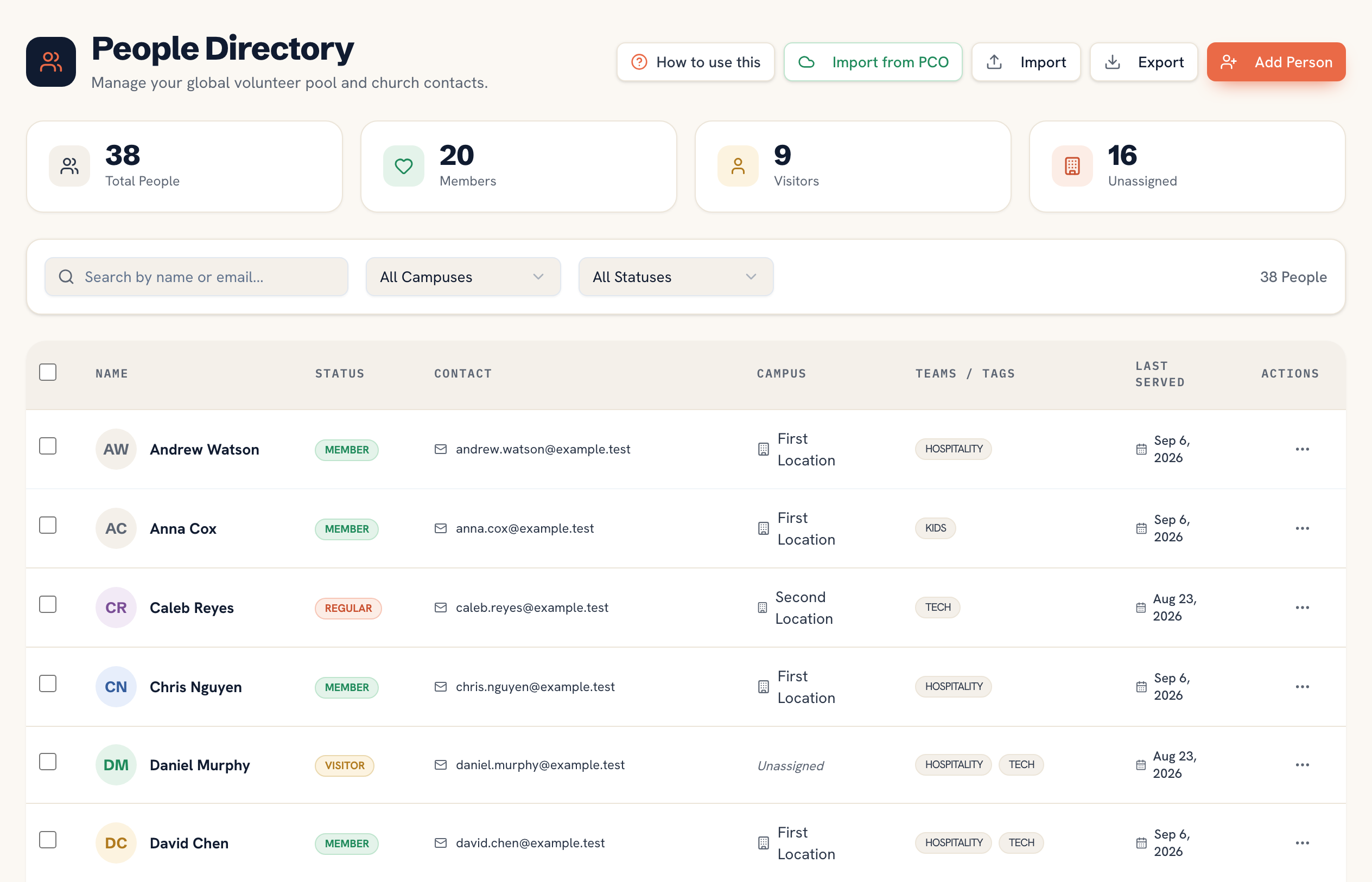
Every first-time guest on one board, with a short follow-up plan for each. Give each step to someone on your team, tick it off when it's done, and see at a glance who still needs a call.
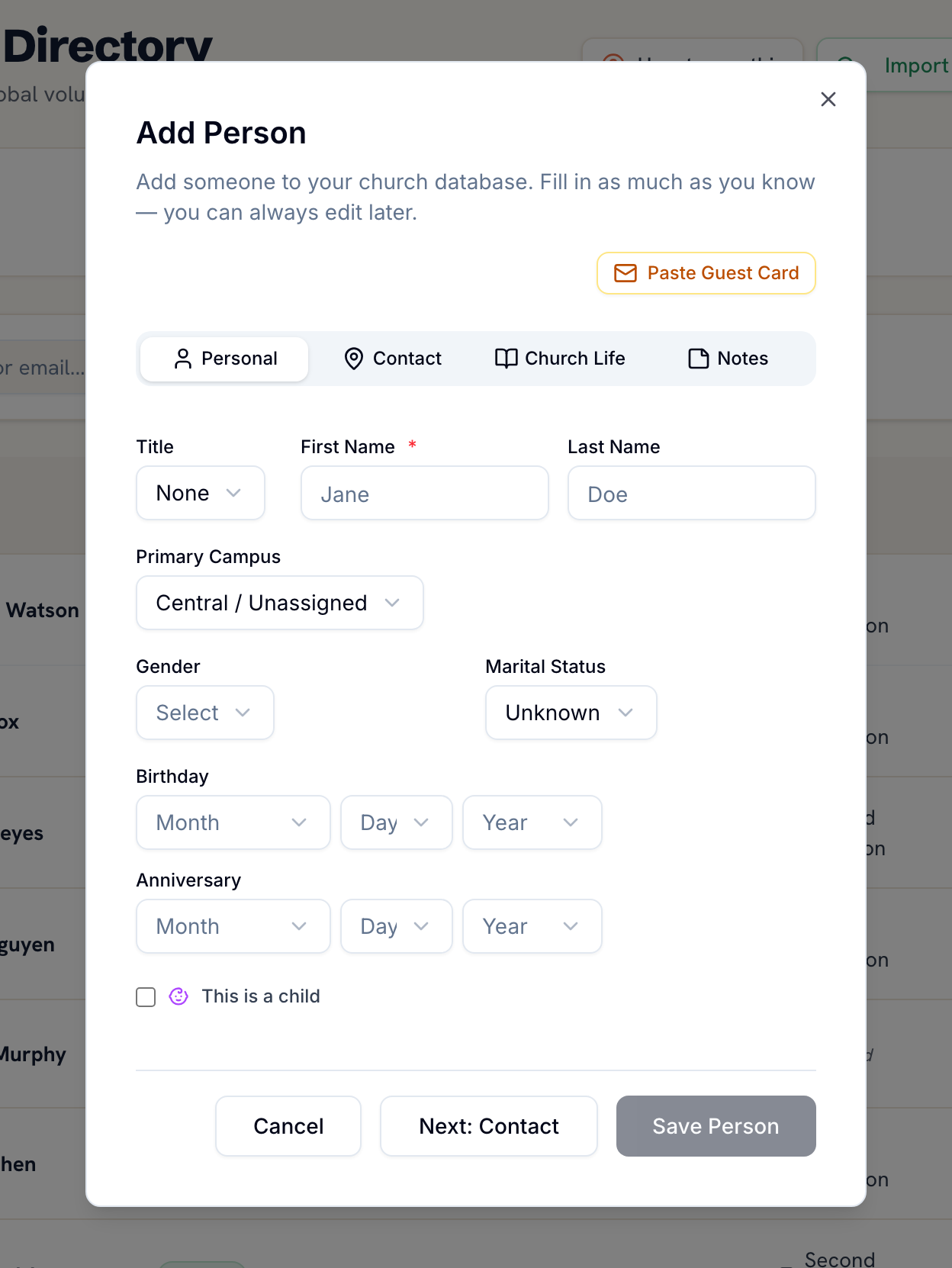
Add your guests. Type in a guest card after Sunday, with the date they first visited. People who fill in the connect form on your free church website arrive as visitors too.
Start their follow-up. One click gives a guest five steps: a welcome message, a personal call, an invitation to a group or event, a check-in after that, and a serving opportunity.
Share the work and tick it off. Give each step to anyone on your team with a login. When it's done they tick it, and the board keeps who did it and when.
This is the real feature from the Ministry Planner workspace — not a trimmed-down demo.
Instead of a stack of guest cards on someone's desk, every recent guest is on one page: who hasn't had a first step yet, who's part way through, and who's done.
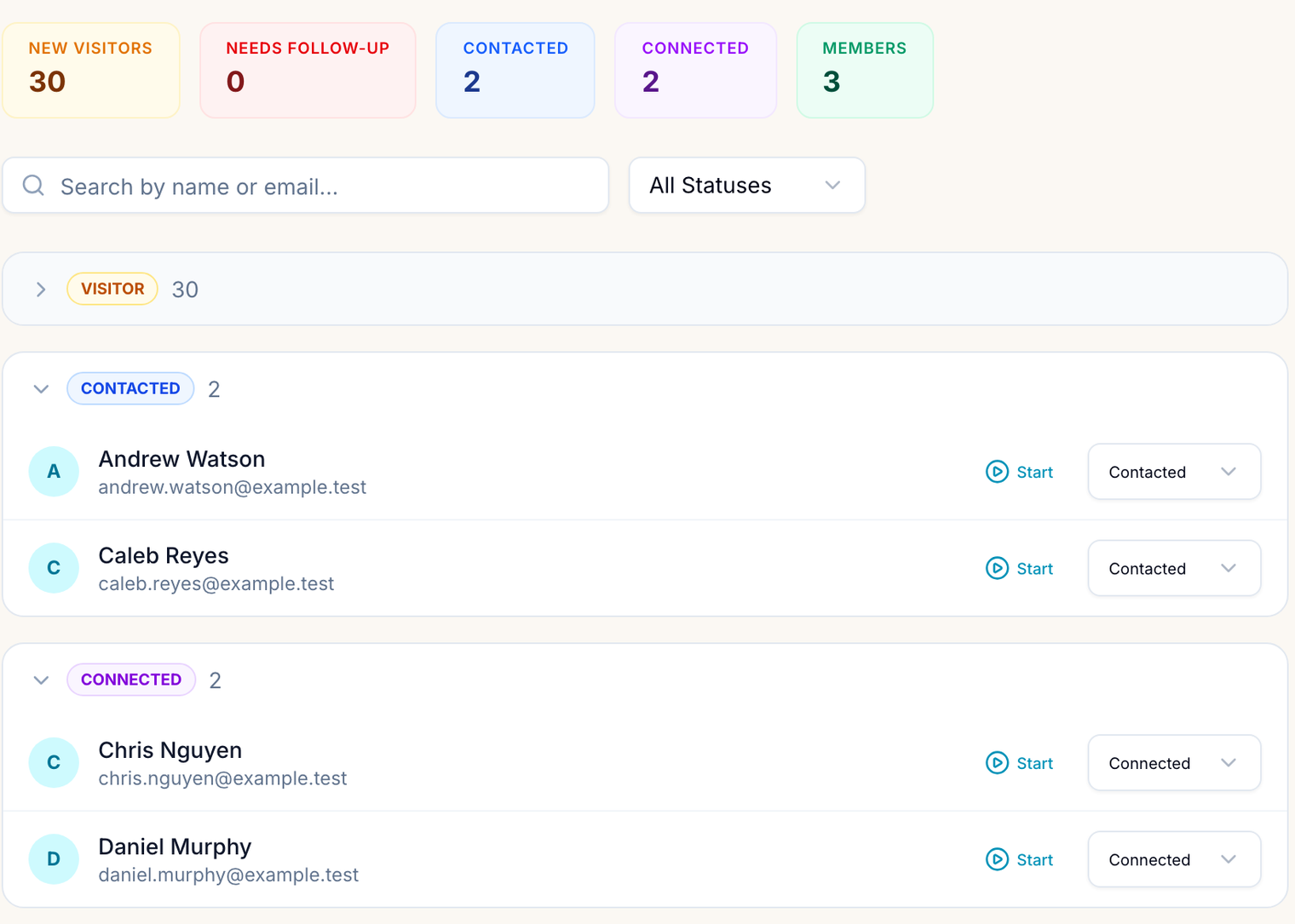
Start a guest's follow-up and they get the five steps. Hand the phone call to one person and the group invitation to another. Each tick records who did it and when, so nobody calls the same family twice.
On the paid plans you can change the church's follow-up steps, run follow-up from a Connect team, and see on the Engagement Hub how many first-time guests came back. The guests and follow-up you kept on the free plan are already there.
Nothing to buy, nothing expires.
Your own follow-up steps, Connect teams, the Engagement Hub, and more than 1,000 people live in the paid plans — from $49/mo for the whole church. Your guests and their follow-up come with you; nothing to migrate.
See pricing →Yes. No credit card and no trial clock. Up to 1,000 people in your directory, with the guest follow-up board included.
Anyone whose first visit was in the last 90 days, plus anyone still marked visitor or contacted. Set someone to connected or member and their follow-up counts as done.
Send a welcome text or email, make a personal phone call, invite them to a group or the next event, check in after their first group visit, and introduce them to a serving opportunity. On the free plan these five are fixed; on the paid plans you can change the church's steps.
No. The board keeps track of the follow-up; the messages and calls come from your team, the way a guest would want them to. Nothing is sent automatically.
Anyone in your church with a Ministry Planner login. Assign a step to them and it's theirs to tick off.
Your own follow-up steps, Connect teams, the Engagement Hub with your guest return rate, more than 1,000 people, and the rest of the workspace — scheduling, service planning, team hubs and more. Your guests carry over as they are.
Set up in a few minutes — add last Sunday's guest cards and start their follow-up.